
Canceling Export Batch
When you cancel an export batch, the export is abandoned, and the status of the batch is set to Terminated. The option to resubmit failed items is disabled on the terminated batch.
To cancel an export batch
-
Select an export batch in the table of exports. The download details section for the selected export displays a Cancel Batch button.

-
Click Cancel Batch.
-
Click OK to confirm.
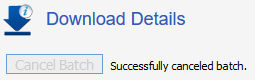
After the batch is successfully canceled, the status of the batch is set to Terminated. The option to resubmit failed items is disabled on the terminated batch.
Related information