
Viewing MIP labels on a file system
For legacy Microsoft Office (97-2003) files
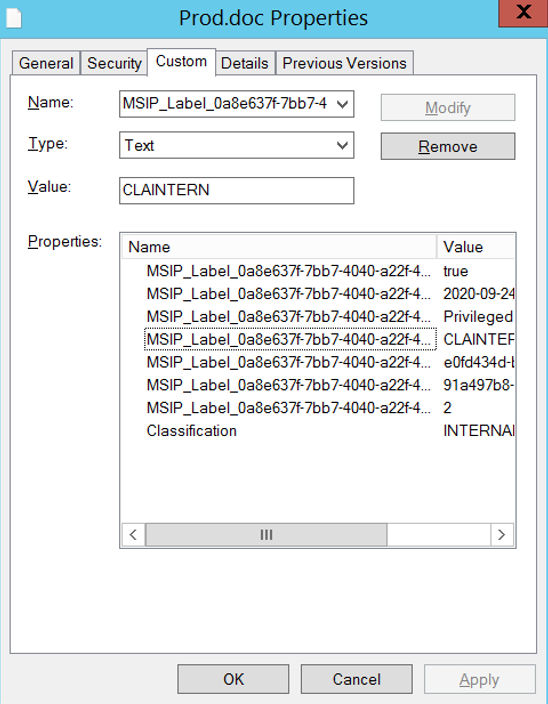
To view labels for older legacy Microsoft Office files such as .doc, .xls, and .ppt, right-click on the file and then click View Properties, and then click the Custom tab.
 |
|---|
For Microsoft Office files in Open XML format
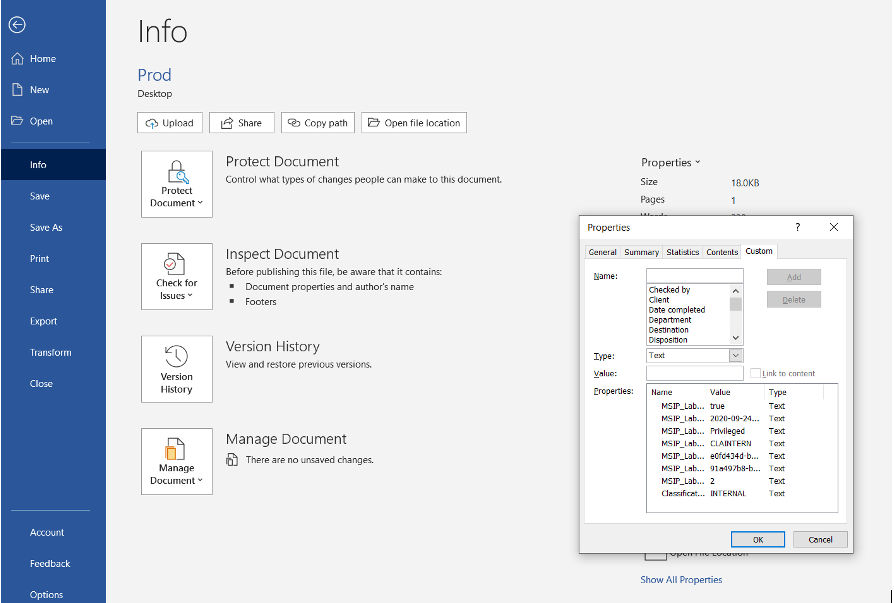
To view labels for newer Microsoft Office files such as .docx, .xlsx, and .pptx, open the file and then from the menu, click File > Info > Properties > Advanced Properties, and then click the Custom tab.
 |
|---|
For PDF files
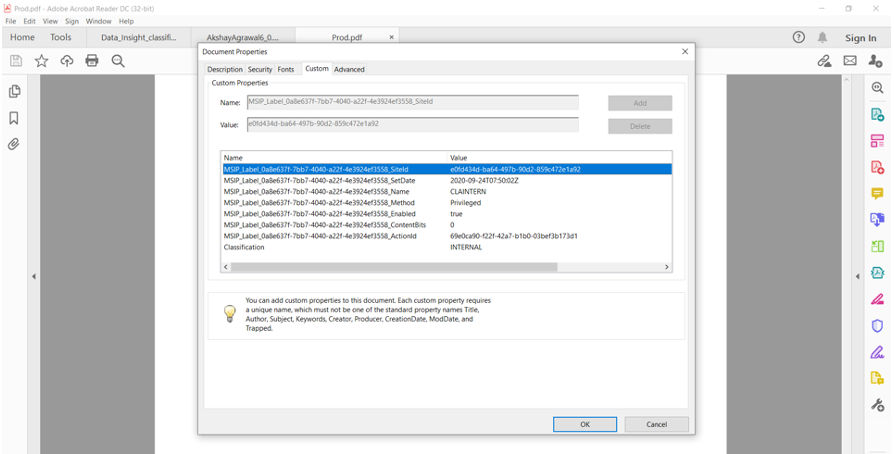
To view labels for Postscript Document Format (PDF) files, open the file using Adobe Reader and click File > Properties, and then click the Custom tab.
 |
|---|
Related information