
Naming and launching the task
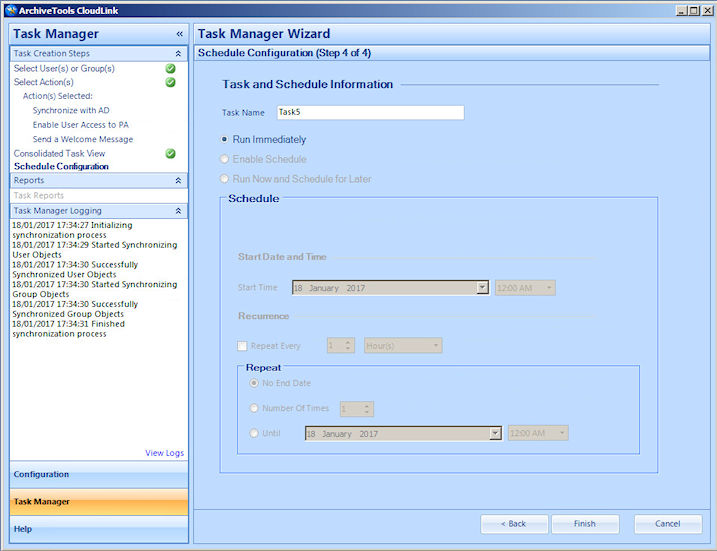
The Schedule Configuration step of the CloudLink Task Manager Wizard lets you name and launch the task.
Note: Google Sync tasks must be run immediately, and only once. You cannot schedule Google Sync tasks to run at a later time, or to recur.
To name and launch the task
-
On the Schedule Configuration wizard page, in the Task Name box, enter a name for the task.
-
Note that the schedule information is not selectable for a Google Sync task.
When you are ready to run the task, click Finish to complete the CloudLink Task Manager wizard.
CloudLink returns to the Welcome to Task Manager Wizard page, and adds the task to the list of tasks in the Created Task List.
More Information
Related information