
Creating a customized copy of transparent policies
To create a customized copy of a transparent policy
-
In the left navigation pane, click Policies.
-
Click Filters, select Transparent under Category, and then click Apply to display all transparent policies.
-
For the transparent policy that you want to customize, click the Actions menu (⋮) at the end of the policy row, and then click Copy.
-
In the Copy policy dialog, set the fields as follows:
Property Description Name Displays the name as copy of the policy you have selected. If required, you can change the name. Status Displays the status same as the status of the policy you have selected. If required, you can change the status. Description Displays the description same as the description of the policy you have selected. If required, you can change the description. If you do not change the description, the last updated field does not show correctly. Risk weight This is a mandatory field. Displays the same risk weight for the copied policy. The default risk weight value of the language and subscriptions policies is 1. After you create a copy of a policy, the risk weight of the original policy gets propagated. You can change the risk weight value in the range of 0 to 10 if required. Tags Displays the tags same as the tags in the policy you have selected. If required, you can add or remove the tags. Add the tags to flag the results. Conditions Displays the conditions same as the conditions of the policy you have selected. If required, you can add or remove the conditions. -
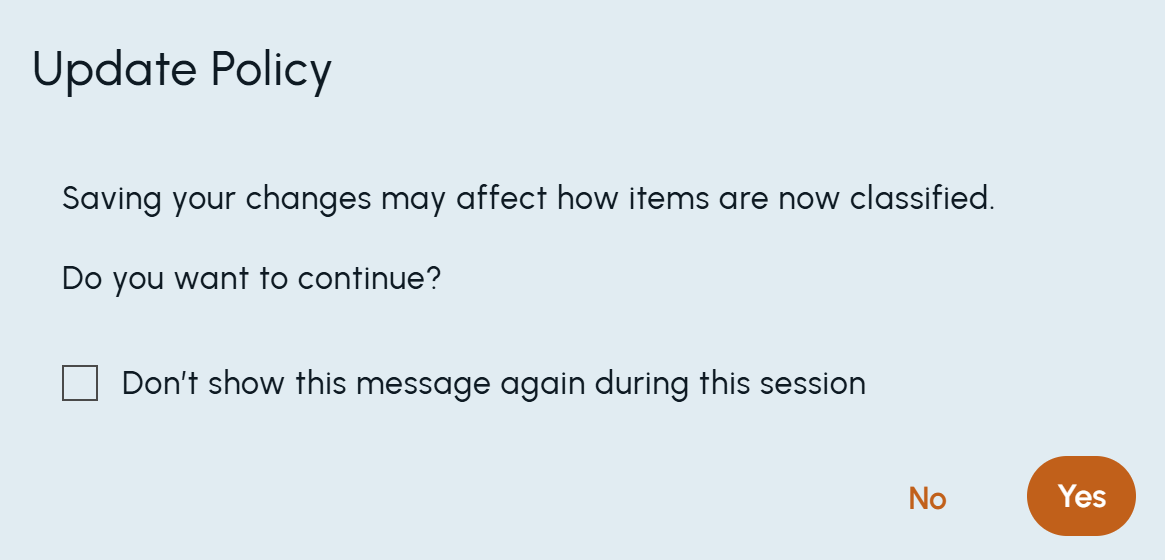
Click Save.The copied policy gets created. However, sometimes if the following confirmation message appears, click Yes.
 The following details (located on the Policy Details page) are provided only for custom policies that are created by copying transparent policies:
-
Last updated information
-
Origin details which shows a version and a link to the transparent policy from which the copy is created.
Origin policy information is useful if the original transparent policy logic is updated in subsequent releases. In such cases, this field will continue to show the version of the transparent policy from which the custom policy was created.
Related information