Source Configuration
To configure the source:
-
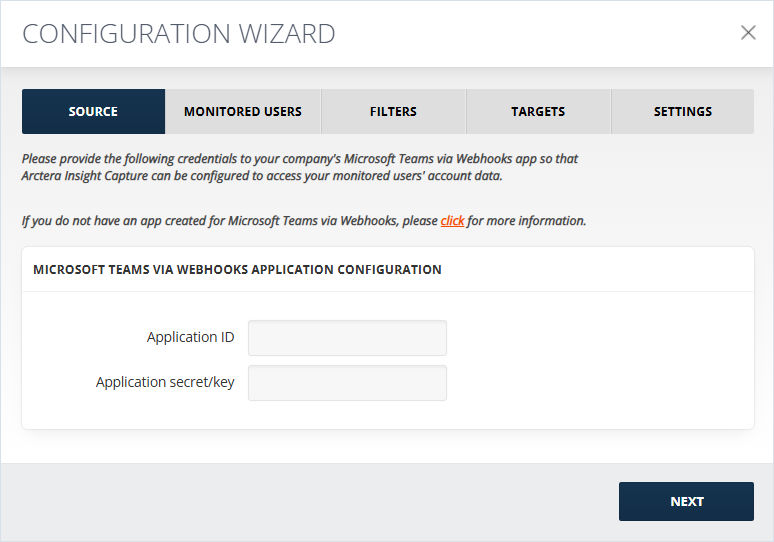
Enter the Client ID and Client Secret (See Working in the Globanet Portal), in the Application ID and the Secret fields correspondingly and click NEXT.
-
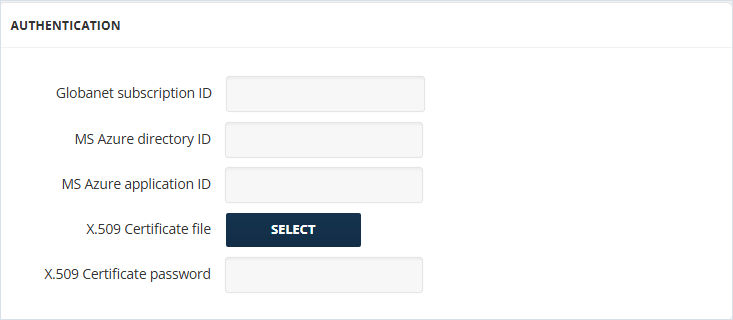
Enter the Globanet Subscription ID (See Working in the Globanet Portal), MS Azure Directory ID, and MS Azure Application ID in the Authentication section.
-
Select the X.509 Certificate file. Enter X.509 Certificate password. The Certificate thumbprint field will be auto populated in case the collector was previously configured by uploading a certificate.