
Google Vault Target
To set up the section:
-
Upload JSON file saved in the step 15 of the previous section by clicking SELECT.
-
Specify the mailbox, to which the imported messages should be delivered, in the Destination mailbox field.
-
When Mark messages as deleted option is checked, the imported messages are not visible in the All Mail section but are still available for compliance search.
-
Click SEND TEST EMAIL to test the connection to the target.
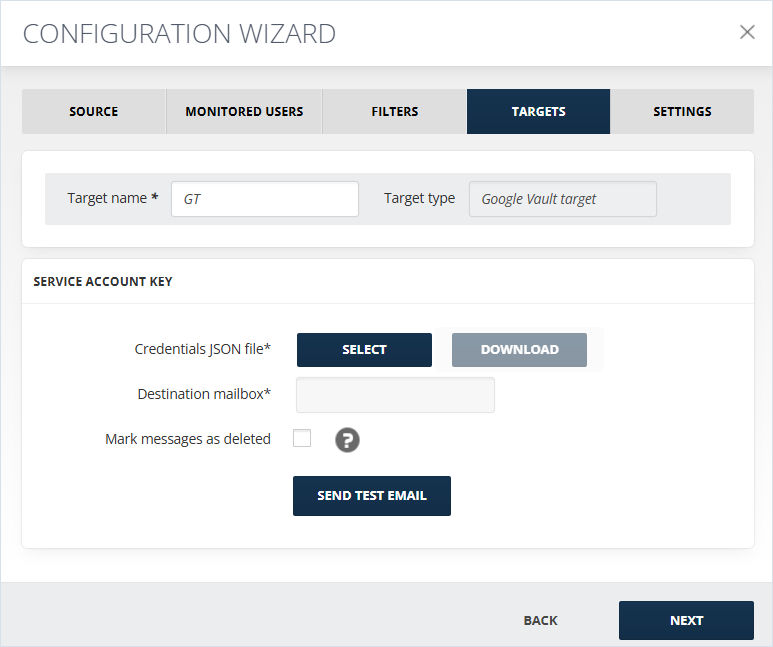 Note: You can download the uploaded JSON file by clickingDownload. It is active only when there is a JSON file to download.
Related information