
Reporting & Message Tracking
The following section of the Importer Settings refers to email reports, which may be used to deliver statistical information (also viewable on the Dashboard) via email.
Reports are different from collector to collector, based on the activities that can be captured from them.
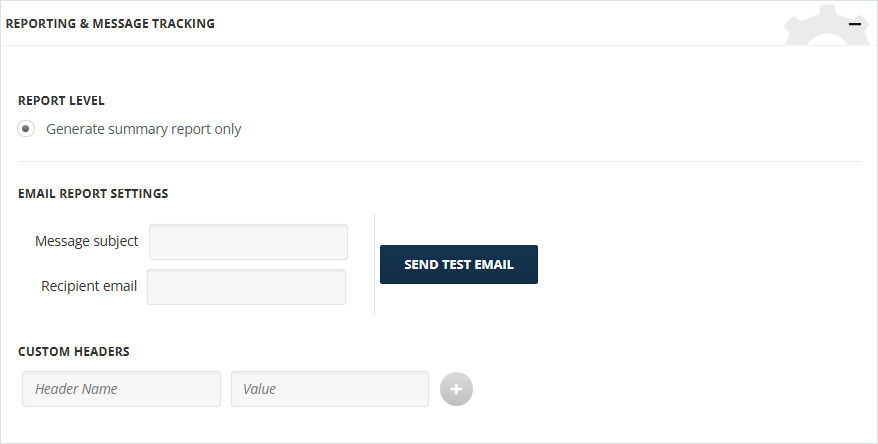
To configure the section:
-
For Report Level, Generate Summary Report Only reports include Source Statistics and Message Statistics. Source Statistics includes the number of unprocessed, quarantined, failed, and imported sources. Message Statistics includes the number of unprocessed, failed, successful, excluded, and ignored messages.Note: Detailed reports are longer and take more time to read. Reports exceeding 5 MB are shortened.
-
Enter Message subject for the report message.
-
Enter Recipient email address for delivering reports.
-
For Custom Headers, enter Header Name and Value.
Related information