
Rejecting a search result
Note: An accepted search cannot be rejected.
To reject a search result
-
In the left navigation pane, click Department.
-
Search for and select the department to view associated searches.Note: Alta Surveillance lists all departments. You can use the filtering options to search the required department. Options include filtering by department name, exception employees, and reviewers associated with the department.
-
Click Searches , and then filter and select a search name you want to reject.Note: To set a filter criterion to find a search, click theFiltericon. Select the required filter parameters, and then clickApply Filters.
-
Click Reject.
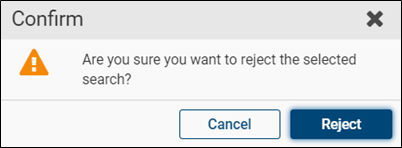
The application prompts you to confirm that you want to perform the operation.
-
Click Reject.
The application displays the Create New Search dialog box for modification.
-
Click Cancel.
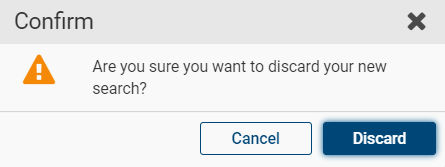
The application prompts you to confirm that you want to perform the operation.
-
Click Discardto complete the operation or clickCancel to cancel it.
Related information