
Editing the Audit Settings
To edit the Audit Settings
-
In the left navigation pane, click Configuration.
-
Click Audit Settings.
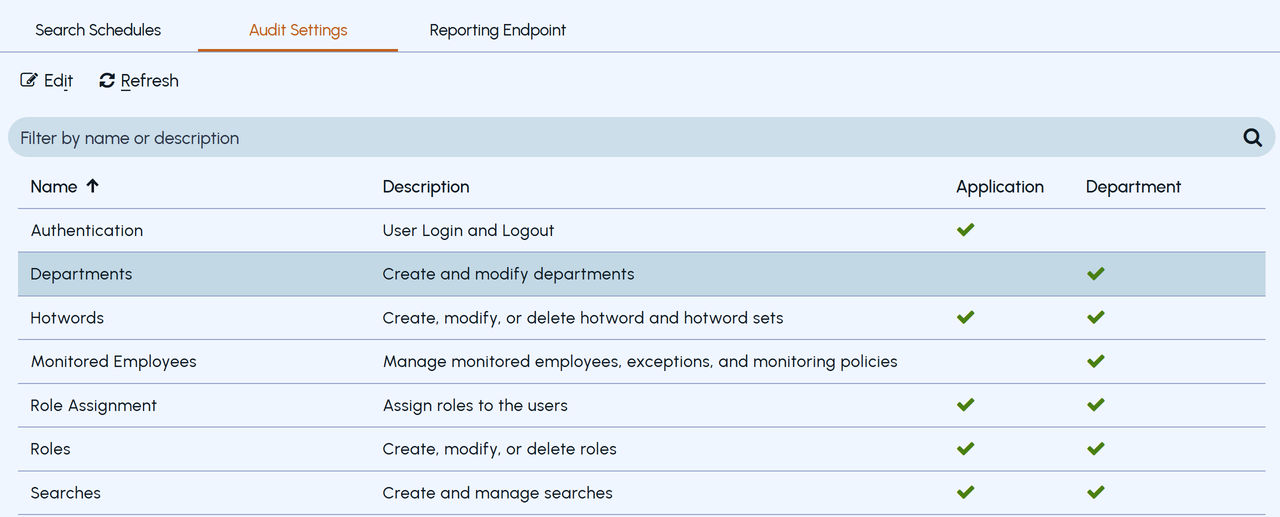
Insight Surveillance lists all the modules and shows if the Enhanced Auditing feature is enabled at the Application and Department level. You can filter or search for a specific module.
 |
|---|
-
Click Edit.
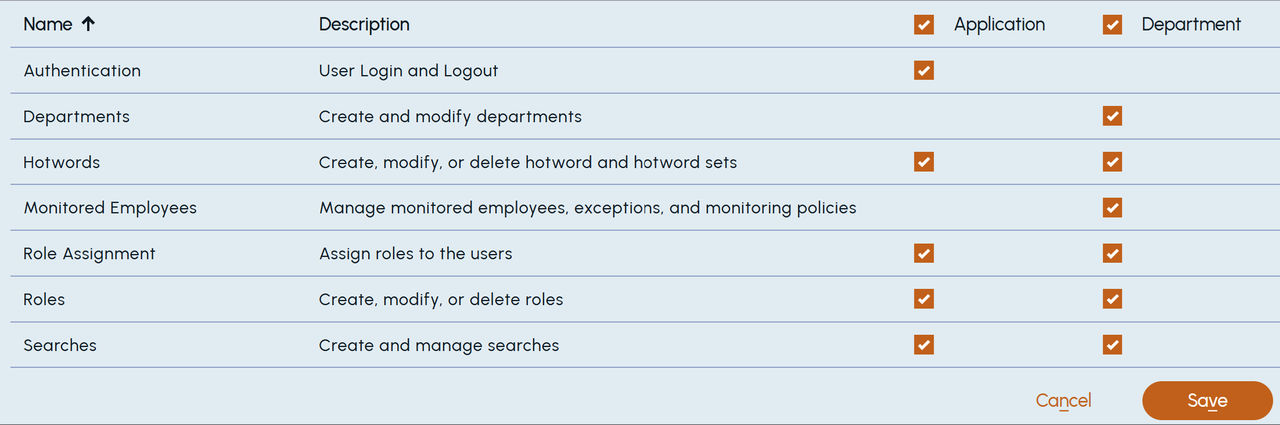
The Edit audit settings dialog box appears.
 |
|---|
-
Select the check boxes under Application and Department columns of those modules for which you want to enable the Auditing feature.
-
Clear the check boxes under Application and Department columns of those modules for which you want to disable the Auditing feature.
-
Click Save.
The changes are displayed on the Audit Settings screen.
Related information