
Moving emails to an InsightBook
You can move only one email at a time to an existing InsightBook.
To move an email to InsightBook:
-
On the Search result pane, search for and select the email.
-
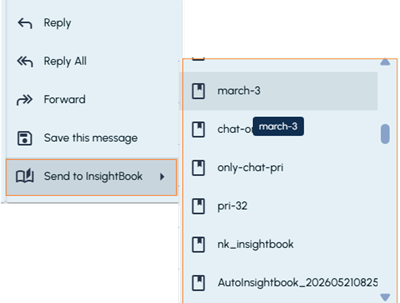
Hover over the email, click the More options icon (kebab icon), and then select Send to InsightBook.The list of InsightBooks is displayed.
-
Select the required InsightBook. A notification confirms that the email was successfully moved to the selected InsightBook.