
IB Message Body
In the Bloomberg collector, you can choose from the following IB message body options:
-
Plain mode
-
Grid mode |Select style
-
Light grid mode
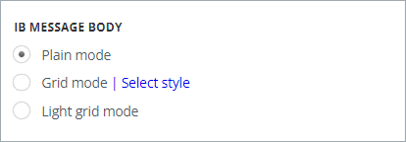
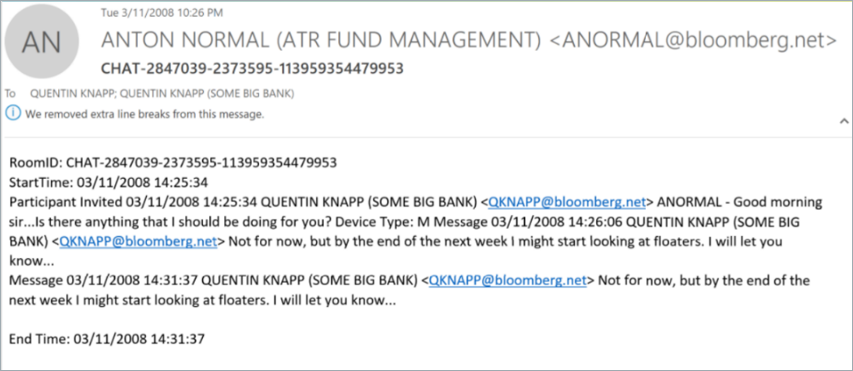
When you select the Plain mode option (default), you will see the interactions below each other. Plain mode displays the message in its basic form.
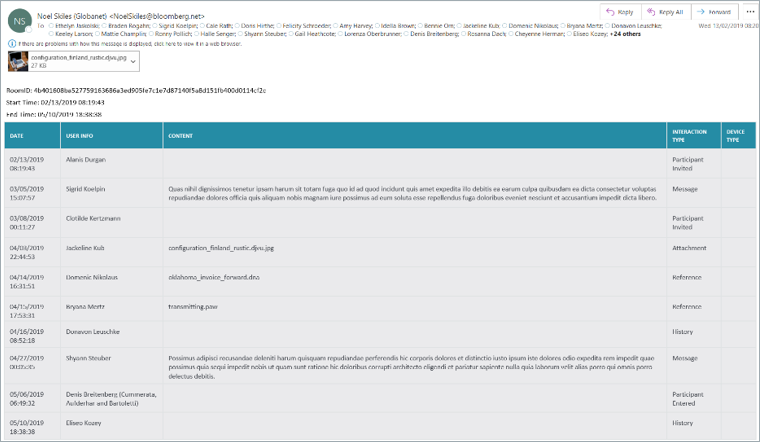
If you enable the Grid mode option, you will see the information in the following columns:
-
Interaction Type, which contains information about participants and messages, such as Participant Entered, Participant Left, Participant Invited, Message, Attachment.
-
Date, which shows the date and time the message was sent.
-
User Info, where you can view the user's Full Name (Company Name), Email Address
-
Content
-
Device Type, if the message was sent from a mobile device, it will be displayed as M in that field.
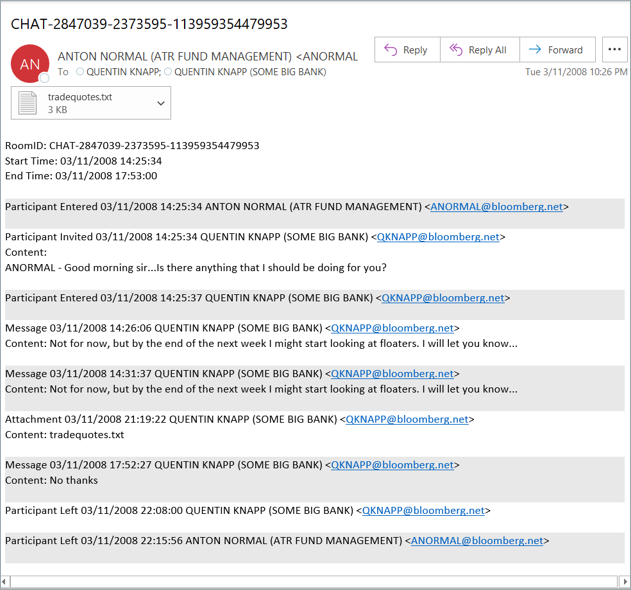
When you enable Light grid mode, the data is two-toned an easy to be viewed with limited metadata.
Related information