
PGP Configurations
For PGP configurations:
-
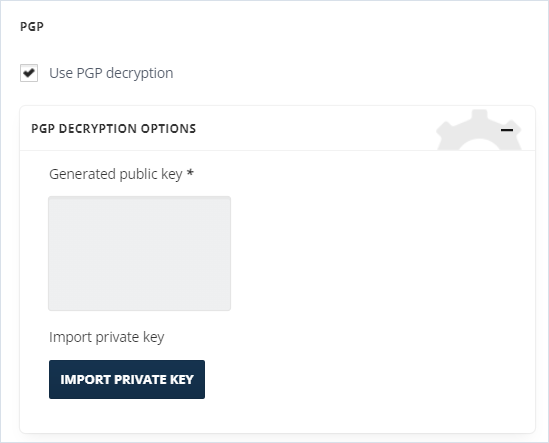
Enable the Use PGP Decryption checkbox and PGP Decryption Options will be opened.
-
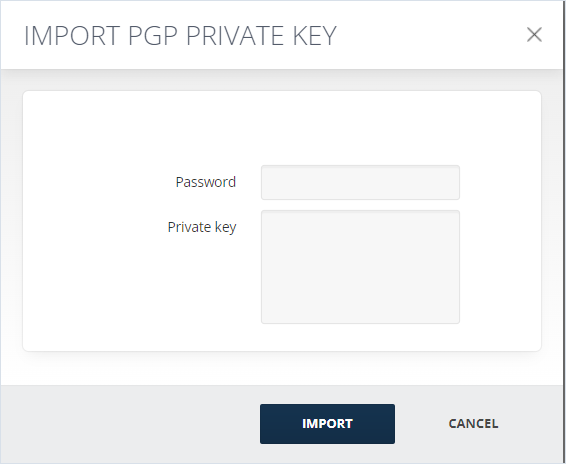
Click IMPORT PRIVATE KEY. The Import PGP Private Key window will appear.
-
Enter Private Key generated with the key management tool and click Import.
 Note: When generating public/private key pairs, it is important to use a reliable PGP key generation tool. Consult with your Security Team to ensure that you are using an approved tool. For instance, Kleopatra is a readily available open-source option. It is important to note that Arctera does not endorse any specific tool.
Related information