
Department Filtration
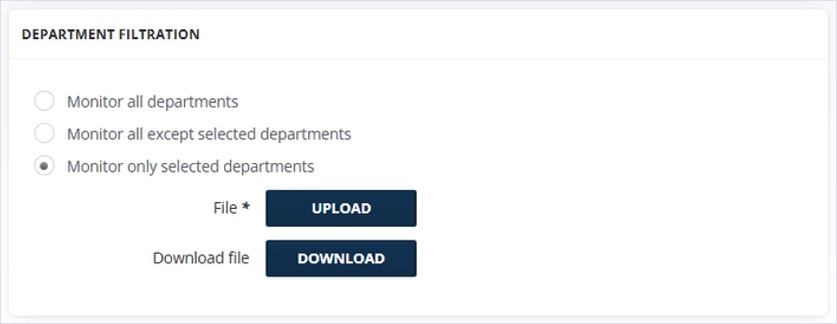
To customize how departments are monitored, select one of the following options:
-
Monitor all departments: All departments will be monitored. No further input is required.
-
Monitor all except selected departments: Monitoring will exclude the departments you specify. A CSV upload interface will appear to allow you to provide the list of departments to exclude.
-
Monitor only selected departments: Monitoring will be limited to the departments you specify. A CSV upload interface will appear to allow you to provide the list of departments to include.
To ensure proper functionality, uploaded CSV files must meet the following criteria:
-
File Format: Must be a CSV file.
-
File Size: Must be greater than 0 KB. Empty files will be rejected.
-
Content Structure: Must contain a single column listing department names. No headers or additional columns are allowed.
Related information