Source Configuration
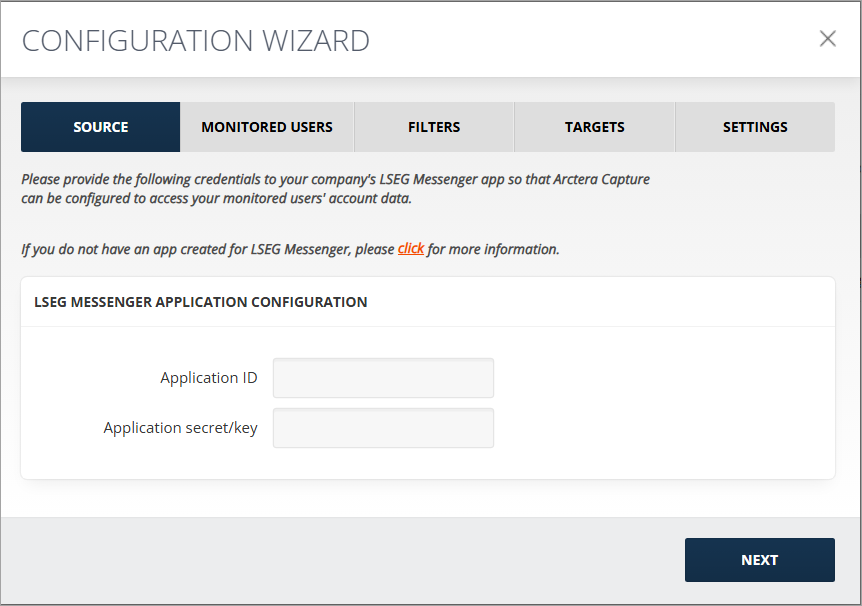
Provide the following credentials to your company's LSEG Messenger app so that Arctera Capture can be configured to access your monitored users' account data.
Note: Please contact your LSEG representative directly to request and acquire these credentials.
To configure the LSEG Messenger application:
-
Enter the Application ID.
-
Enter the Application secret/key, and then click Next.
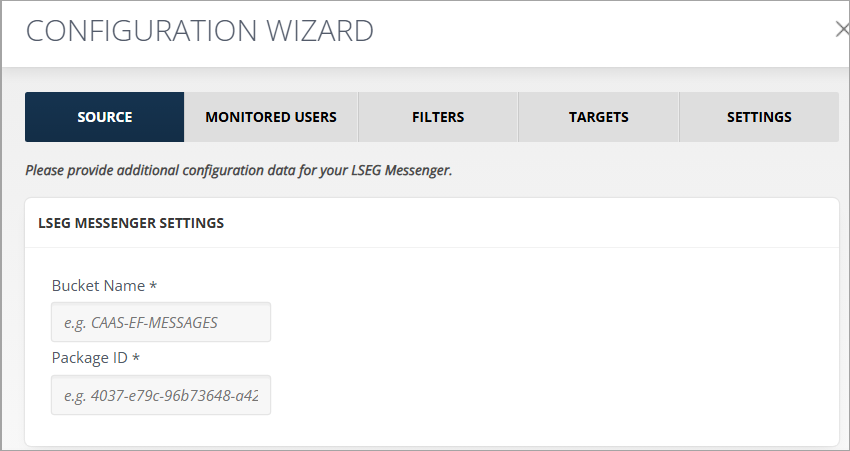
To configure the source, provide the following LSEG Messenger Settings:
-
Bucket Name: The name of the LSEG compliance export feed bucket that stores the data to be captured (for example, CAAS-EF-MESSAGES).
-
Package ID: The identifier of the LSEG compliance export package to be captured.