Reconciliation
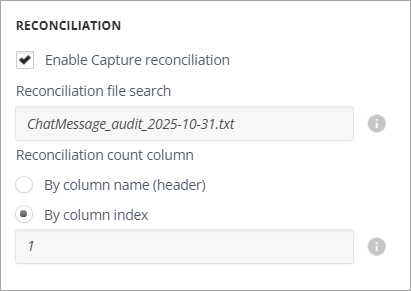
Select Enable Capture reconciliation to reconcile the number of messages that Arctera Capture processes against the message count reported by the source.
-
In the Reconciliation file search field, specify the pattern that Arctera Capture uses to identify the reconciliation file, for example,
ChatMessage_audit_2025-10-31.txt. -
Under Reconciliation count column, select how Arctera Capture locates the count in the reconciliation file:
-
By column name (header): Identify the count column by its header name.
-
By column index: Identify the count column by its position, then enter the column number.Note: For
.txtreconciliation files, if you select By column index, set the column index to 1. Arctera Capture treats.txtfiles as a single-column file.
-