
Message Body
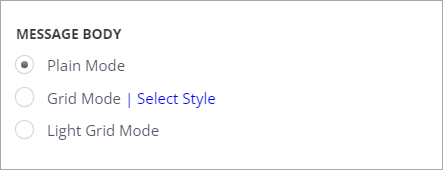
In the LSEG (Refinitiv) collector, you can choose between three IB message body options, which specify how the imported message will be displayed in the target.
-
When you select the Plain Mode option, you will see the interactions below each other.
-
When you select the Light Grid Mode, the data is two-toned, easy to be viewed with limited metadata.
If you enable the Grid Mode option, you will see the information in the five following columns:
-
UTC Time Stamp, which includes the date of the sent message
-
Content
-
Event Type, what kind of an event the activity is (joining the chat, sending a message, etc.)
-
Message ID
-
Attachment.Note: You can also change the color scheme of the grid mode by clicking the Select Style link.
Related information