
Monitored Users for Twitter
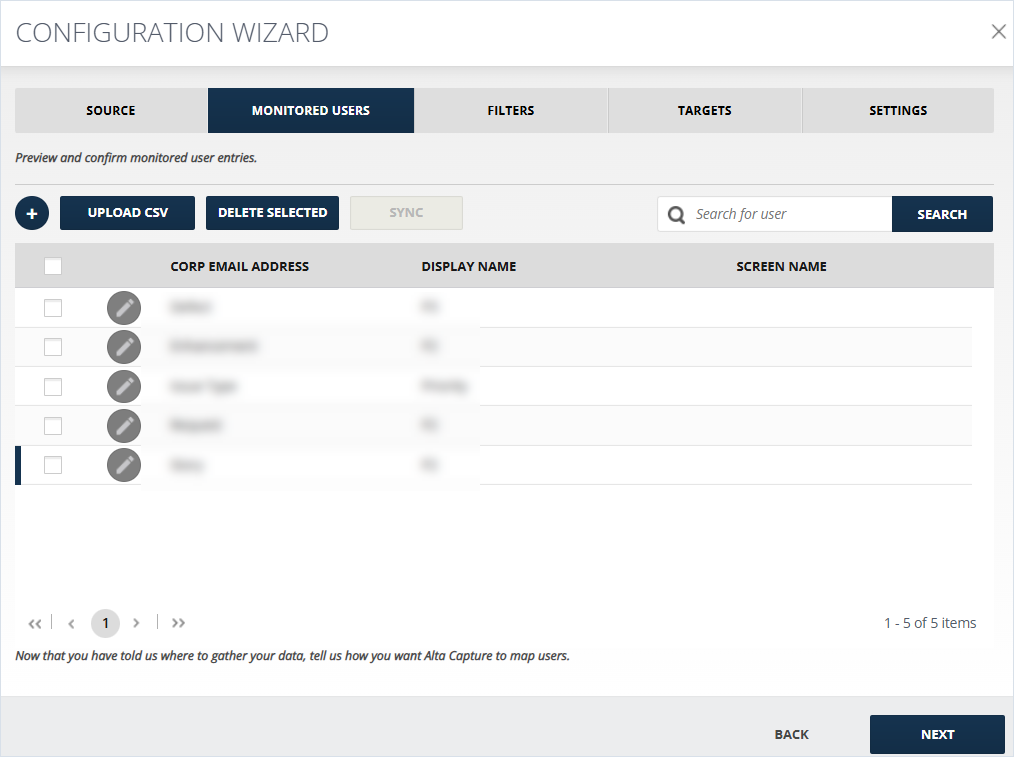
Here the user can add, edit, and delete the listed monitored users or browse among them by searching the users.
To configure the section:
-
When \+ (Add Monitored User Manually) is chosen, the following pop-up opens, where Corporate email address (email address of the Monitored User), Display name and the Screen name of the user should be entered.
-
Click Upload CSV for uploading the Monitored users' list as a CSV.
-
Click Delete selected for deleting the below selected list of monitored users.
-
Click SAVE CHANGES or CLOSE.
Related information