
Message Body
There are the following output message body options:
-
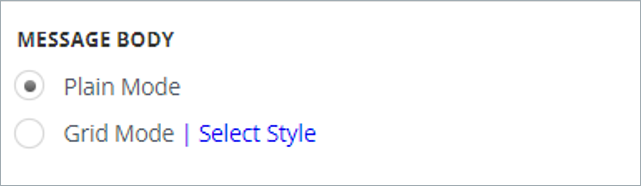
Plain - this mode displays the message as a simple text.
-
Grid mode - this mode allows you to see the information in the following columns:
-
Message creator
-
Message timestamp
-
Message
-
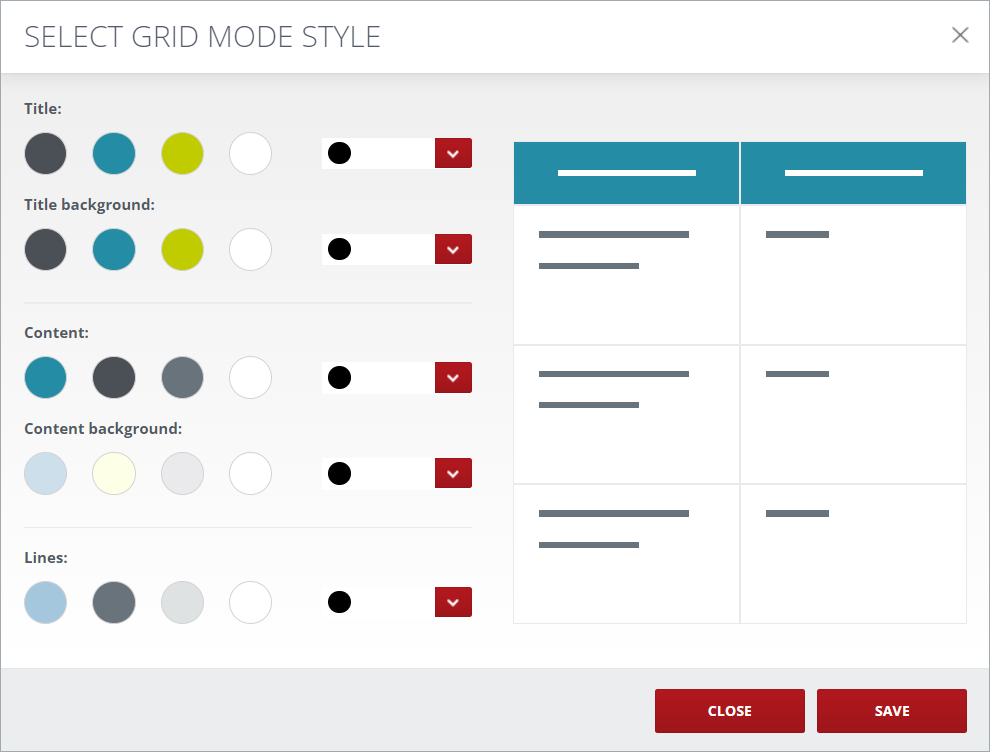
It is possible to change the color scheme of the grid mode by clicking the Select Style link.
Related information