
Filtering
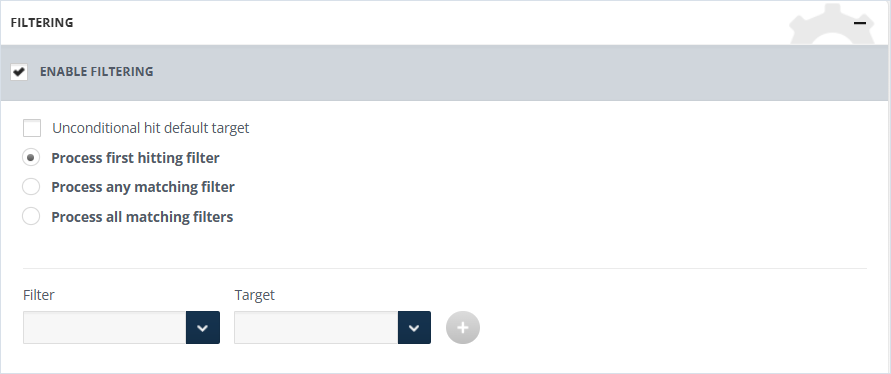
Filters will not be applied unless filtering is enabled. enable the Enable filtering checkbox to configure their behavior.
To configure the filter:
-
Enable the Enable filtering checkbox and select the corresponding option:
-
Unconditional hit default target - If selected, all data will be delivered to the default target, even if an alternative target is set.
-
Process first hitting filter - If enabled, a single message will be sent to the first Target which fulfills the filters condition.
-
Process and matching filter - If enabled, Filter and Target pairs will be configured, and a copy will be sent to the target for each filter fulfillment.
-
Process all matching filters - If enabled, only filters can be configured with a single target.
-
-
Select the filter name and choose the target from the drop-down menu where the corresponding messages should be sent.
-
Click the activated + button to add the filtering setting, otherwise it will not be saved.
Related information