
Generating Arctera Capture-specific reports
To generate Arctera Capture-specific reports from the Arctera Management Console:
-
In the left navigation pane, select Reports and Notifications>Arctera Capture The Management Console opens the REPORTS page interface of the Arctera Capture application in the same window.
-
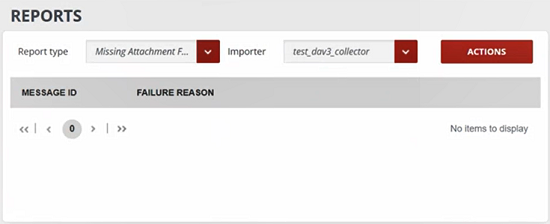
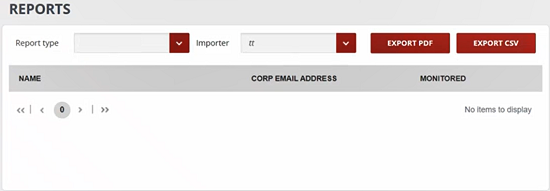
Specify the Report type The REPORTS interface varies with the selected reports. For example, in the image below the ACTIONS button is available, while in the next interface, the **EXPORT PDF **and EXPORT CSV buttons are available.
-
Select the Importer for which you want to generate a report.
-
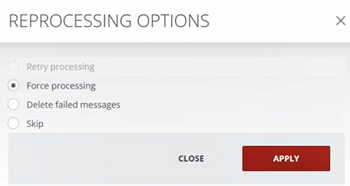
Click ACTIONS. On the REPROCESSING OPTIONS window, select the skip, delete, or force processing option as needed, and click APPLY
 Or, click EXPORT PDF/EXPORT CSV to export a report as PDF or CSV.For more information about the Arctera Capture reports, see Arctera Capture Configuration Guide.
Related information