
Signing in to Arctera Surveillance
To sign in to Arctera Surveillance
-
Enter the Arctera Surveillance URL in the internet browser.For the best viewing experience, use Mozilla Firefox or Google Chrome. Arctera Surveillance is not supported on Internet Explorer.Note: Whenever a new version of the Arctera Surveillance application is available, the application displays the following alert: "A new version of this app is available. It is recommended to close all open tabs and reopen application for better experience. Click OK to refresh." Arctera recommends that you click OK, close all open browser tabs, and then open the application again. In case you do not perform this action, the application page still gets refreshed automatically and the latest version of the application is opened.
-
(Optional) Bookmark this URL in the Arctera Surveillance compatible internet browser.For more information, see System requirements.
-
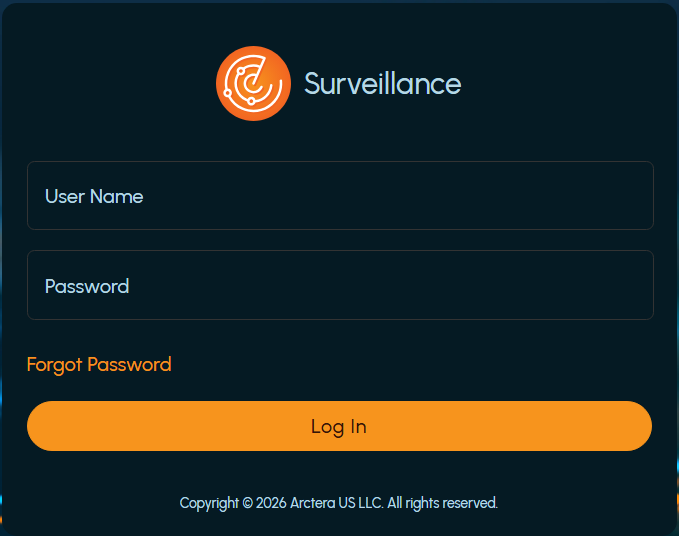
Enter your user name and password in the authentication screen.
-
Click Log In.After successful authentication, the Arctera Surveillance dashboard appears.