
Viewing a summary of searches and exports
This is a read-only function. The Searches Status tab is visible only when the user has the View Task Status permission in any of the departments and also has any of the Search capture or Application Search permissions. If the administrator removed the View Task Status permission from all departments for a user, the Searches Status tab is not displayed to that user.
To view a summary of completed searches
-
In the left navigation pane, click Dashboard.
-
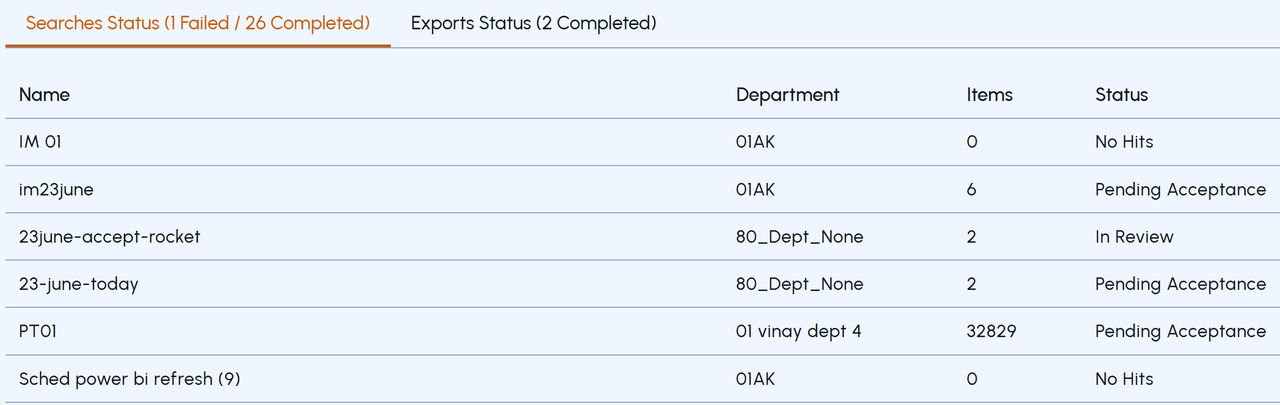
Click the Searches Status tab to view the status of failed and completed searches.
Click the Exports Status tab to view the status of failed and completed exports.
Figure: An example of Searches and Exports status on dashboard
 |
|---|
Related information