
Reviewing the Audio-Video Transcript type items
The smart transcript feature enables automatic transcription of audio and video attachments in emails. When enabled, the transcripts for supported media files are displayed in the Preview pane.
Note: To enable the smart transcript feature, contactArctera Technical Support.
To review Audio-Video Transcript items
-
Select an individual item to view its details in the Preview pane.
The attached audio and video files are displayed. Click the attachment to view the corresponding transcript.
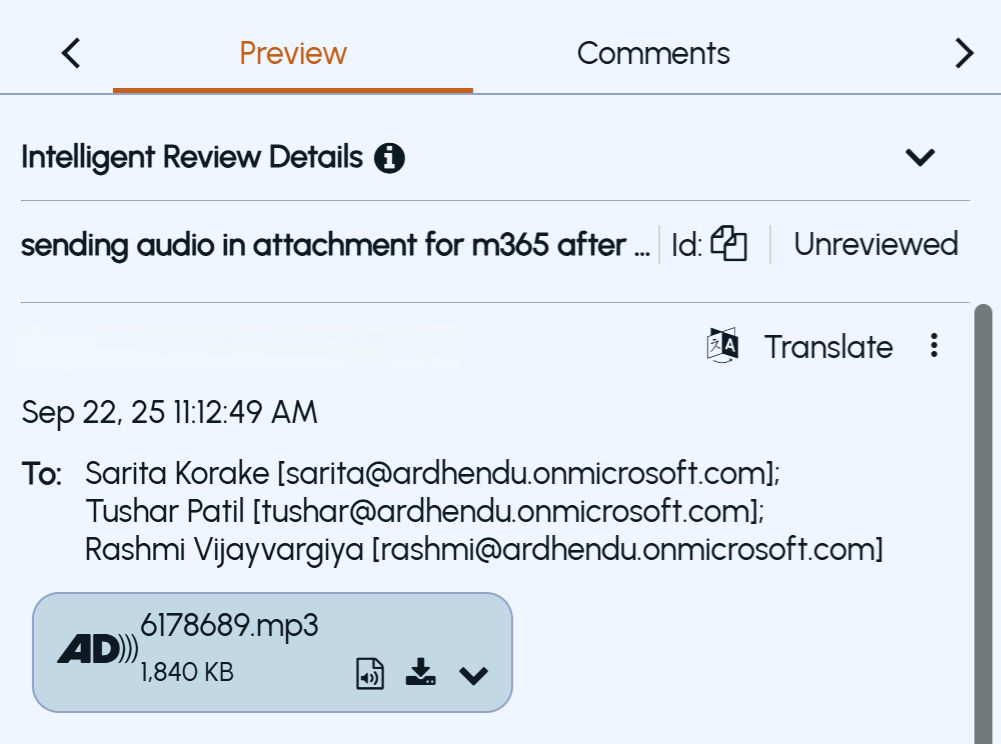 |
|---|
Click Go to Message to return toPreview screen.
-
To review the attachment, download or open the attached audio and video files.
-
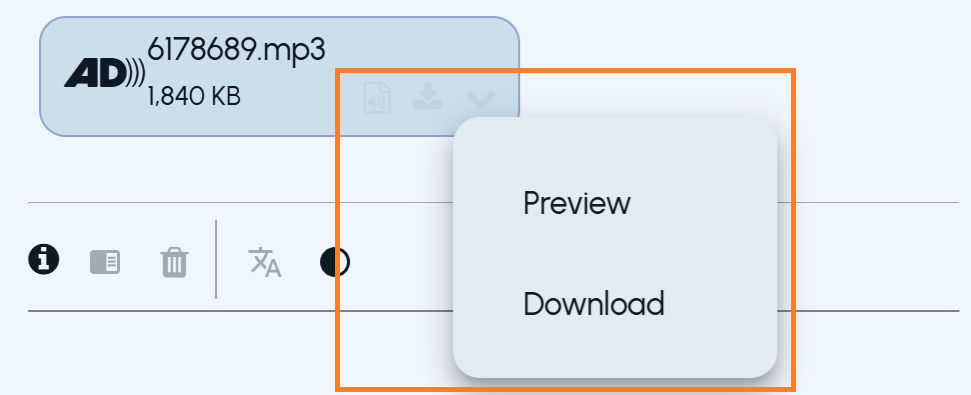
To download the audio or video attachment, hover over the attachment, and click the Download icon. Alternatively, click the expand icon and selectDownload.
-
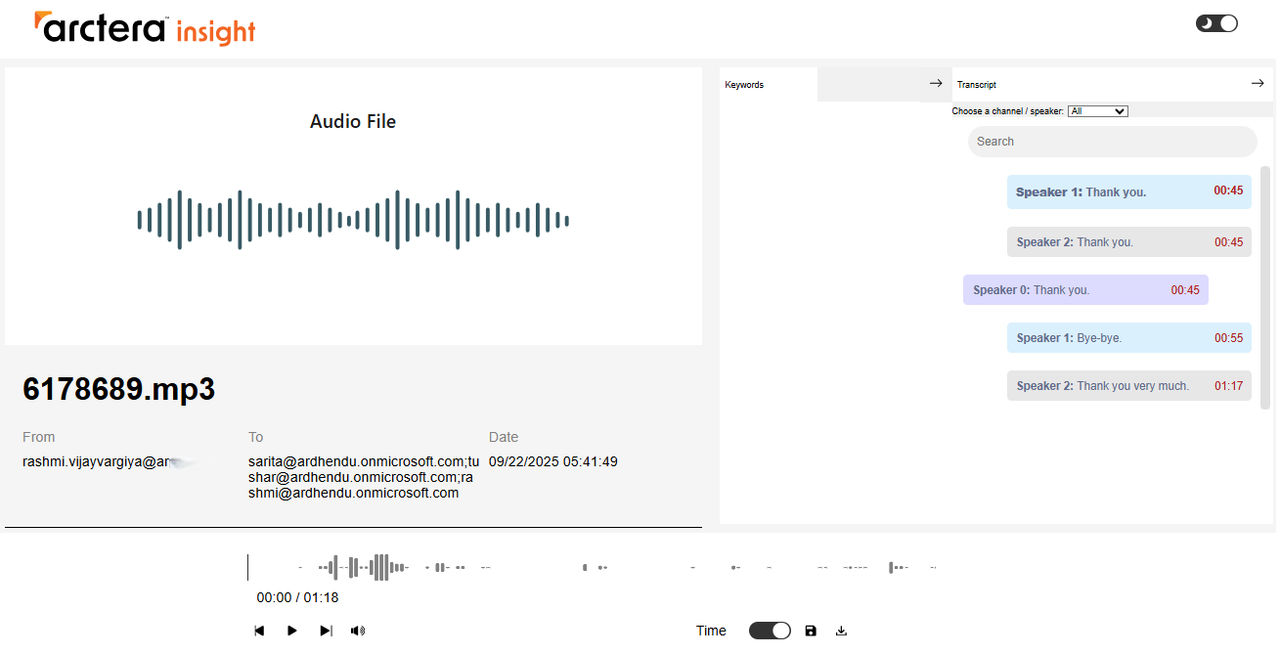
To view the audio-video transcript, hover over the attachment, and click the View Transcript icon. Alternatively, click the expand icon and selectPreview. A smart transcript window is displayed in a new tab.
-
-
In the smart transcript window, reviewers can:
-
Play the media file.
-
Navigate directly to specific timestamps.
-
View synchronized transcript text while listening/watching.
-
-
Close the tab once the review is done.
Related information