
Changing the order of pinned departments
The Update Order button is enabled only if the Review Status wizard contains more than one pinned department.
To change the order of pinned departments
-
In the left navigation pane, click Dashboard.
-
On the Review Status wizard, click Update Order.
-
Use the UP and DOWN arrows adjacent to the department name to change order of pinned departments.Alternatively, drag and drop the department above or below another pinned department.
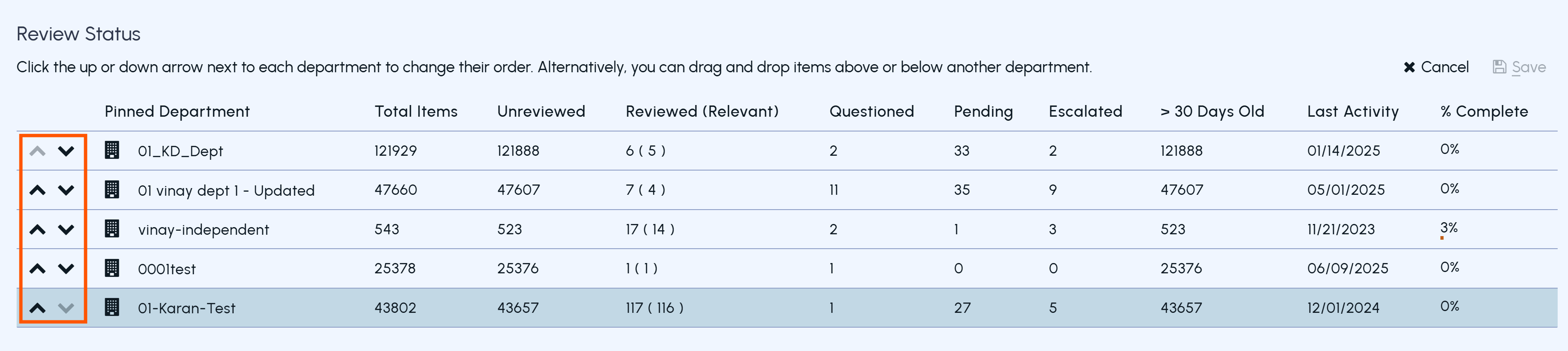 Note: The Save option remains disabled till you change the order of at least one department.
-
After updating the order, click Save.The dashboard refreshes and displays the updated order.