
Configuring Alerts
Alerts can be configured from the Configuration tab in the application.
To configure alerts
-
Navigate to Configuration>Alerts.
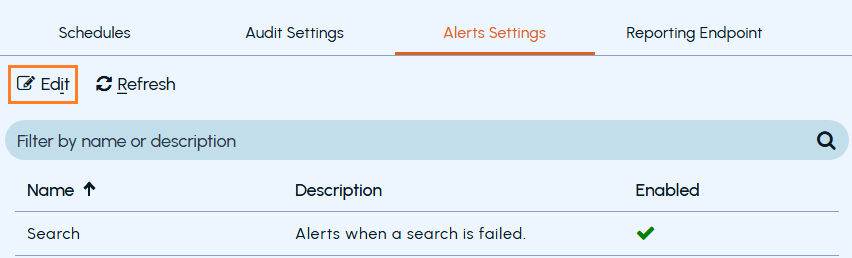
The available alerts are listed.
-
Click Edit.
-
Enable or disable the alert as required.
-
Click Save.
Related information