
TEMPLATE- Reviewer Assessment Activity Date - Submit Report Request
-
Open the TEMPLATE- Reviewer Assessment Activity Date - Submit Report Request.pbit file, and specify the following details.
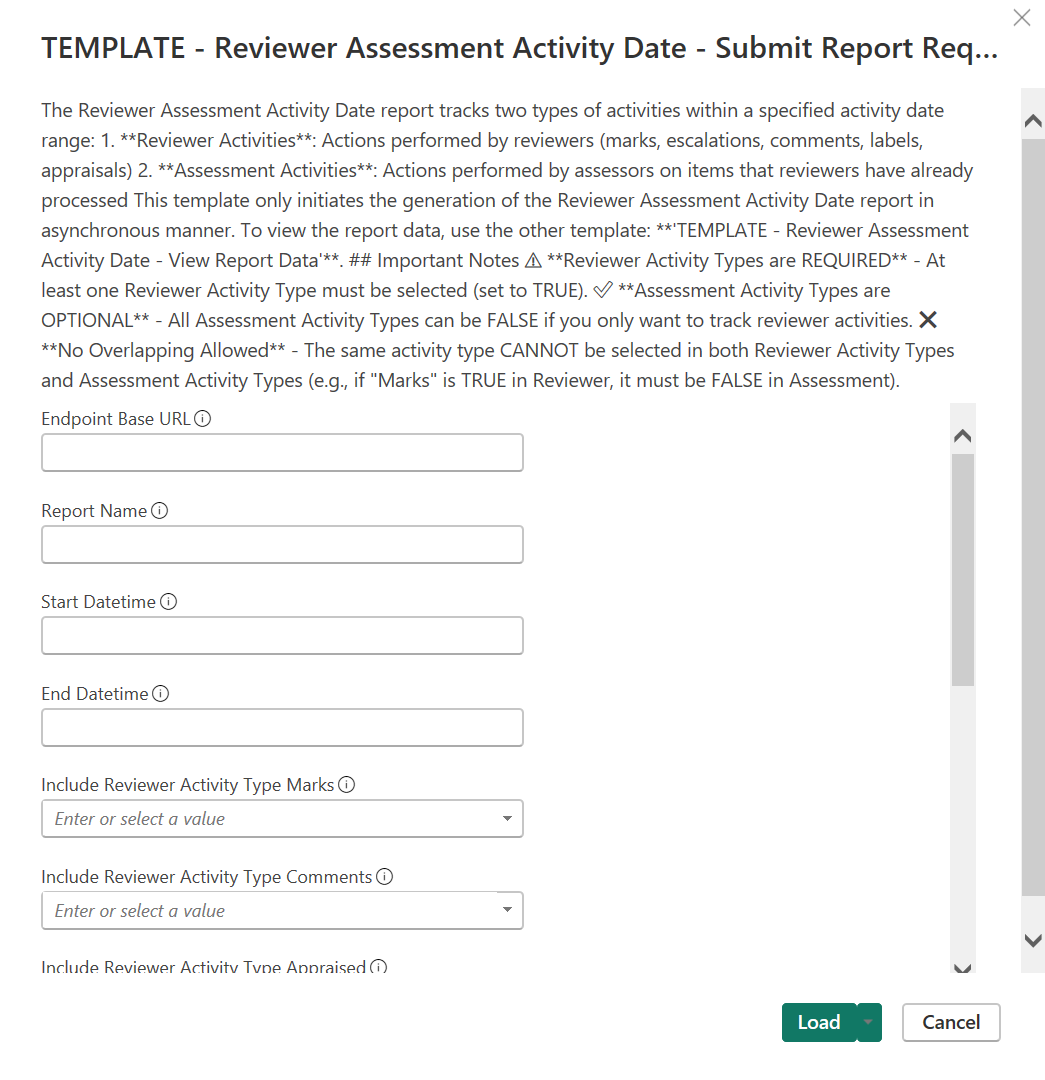
Parameter Required Description Endpoint Base URL Mandatory Enter the REST API endpoint URL. For example, https://<Reporting endpoint Base URL>Report Name Mandatory Specify a unique name for the report. Start Datetime Mandatory Specify the beginning of the activity date range for activities performed in Arctera Surveillance. Format: YYYY-MM-DDThh:mm:ss Notes: 1. The time component is optional. If you prefer not to include the time, you can simply use the YYYY-MM-DD format. 2. StartDate must be earlier than EndDate. End Datetime Mandatory Specify the end of the activity date range for activities performed in Arctera Surveillance. Format: YYYY-MM-DDThh:mm:ss Notes: 1. The time component is optional. If you prefer not to include the time, you can simply use the YYYY-MM-DD format. 2. EndDate must be later than StartDate. ReviewerActivityTypes Mandatory Specify the reviewer activity types to include in the report. AssessmentActivityTypes Optional Specify the assessment activity types to include in the report. Note: ReviewerActivityTypes and AssessmentActivityTypes cannot share the same activity type. -
Click Load.
-
Select the required OData Feed.
 The application submits the report generation request and shows the details.
-
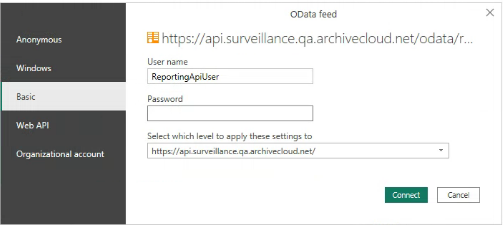
Click Connect and choose Basic Authentication mechanism to access Reporting API.The application prompts you several times to provide appropriate credentials when querying Reporting API for each report.
-
Manually refresh the page to view the details such as Report ID, Report Name, Report Type, Report Date, Report Status, and Report Information.
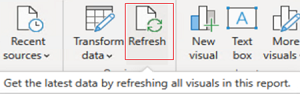
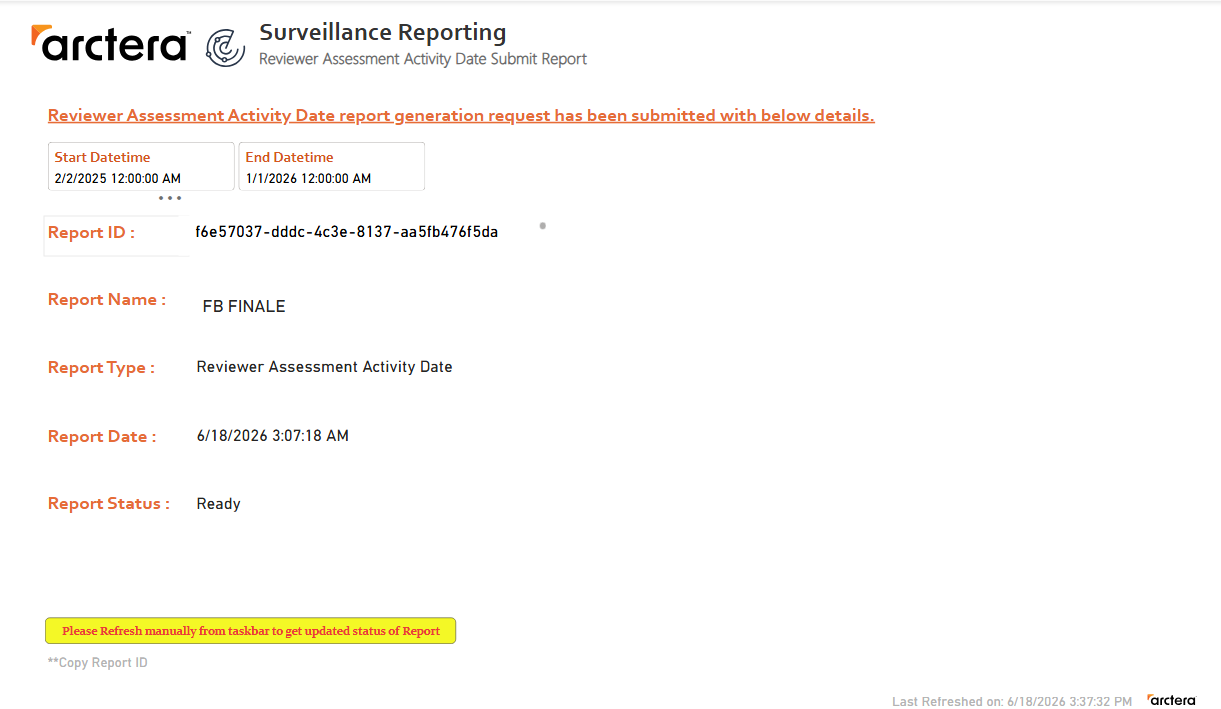 If still the entire details are not displayed, click Refresh again as shown in the following sample image.
-
When all the details are available and Report Status: Ready is displayed, copy the report ID.Use this Report ID in the TEMPLATE- Reviewer Assessment Activity Date - View Report Data template. Click Refresh to view the updated status of report generation.