
Viewing the full content in a new window
Arctera Surveillance provides an option to double-click on emails to view their content in a new browser window and navigate to the next and previous items from the current page. However, you cannot double-click on collaboration messages to view their content in a new browser.
To view the full content of an item
-
In the left navigation pane, click Review.
-
Search for and select the department for which you want to review items.
-
(Optional) To reset the filtering criteria, click Clear, and set a new criterion.
-
Click Apply.The application displays a list of review items from the selected departments.
-
During the manual review, select an email and double-click on a corresponding row to view its content in a new window.Note: Double-clicking an item to view its content in a new browser is supported for emails only, and not for collaboration messages.
-
Navigate to Next or Previous item using the cross-navigation buttons.
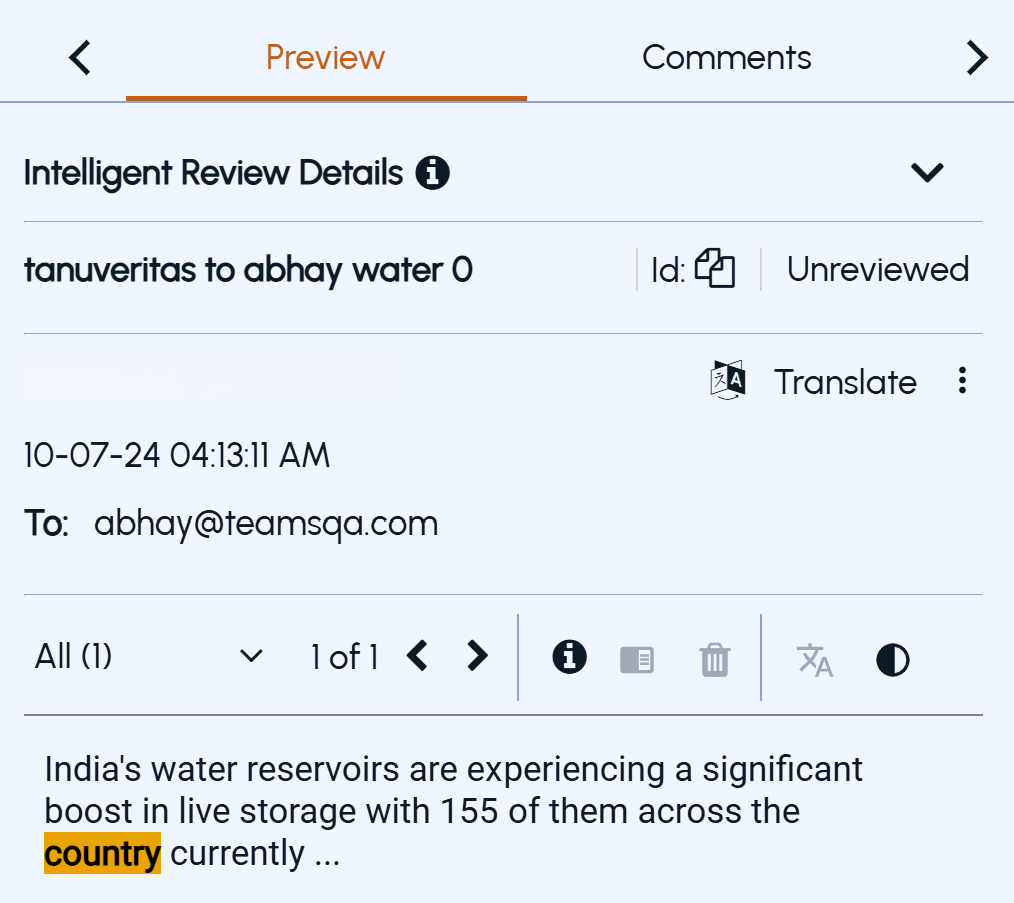 Note: Cross-navigation works on the current page from the items list.