
TEMPLATE Reviewer Mapping View Report Data
-
Open the TEMPLATE- Reviewer Mapping - View report Data.pbit file, and specify the following details.
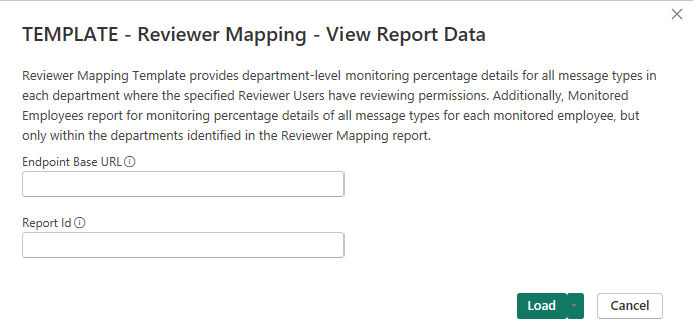
Endpoint Base URL Enter the REST API endpoint URL. For example, https://Report ID Enter the Report ID that is generated during execution of ReviewerMappingAsync API report or the TEMPLATE- Reviewer Mapping - Submit Report Request template. -
Click Load.
-
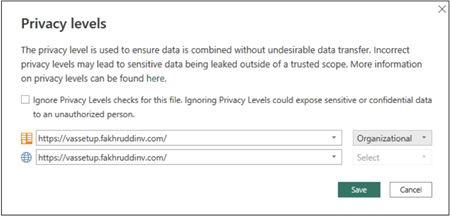
Set the privacy organizational or public for each selected data source.
For more information, See Guidelines for using Insight Surveillance templates with Microsoft Power BI Desktop.
-
Click Save.
Upon successful processing, the application displays a report for the retrieved data of the corresponding API endpoint.
To help you better visualize and understand the API Endpoint reports, refer to sample images of reports.
Related information