
Creating application-specific trash rules
To create an application-specific trash rule
-
In the left navigation pane, click Application.
-
Navigate to the Trash tab, and then clickNew.
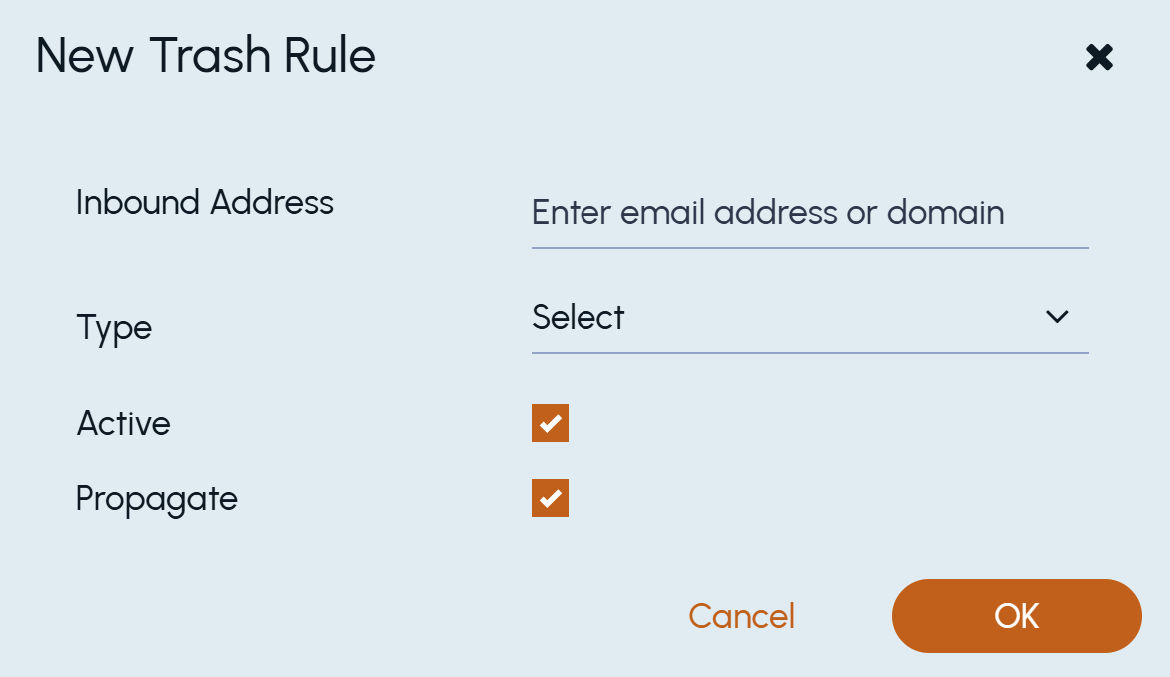
The New Trash Rule dialog box appears.
 |
|---|
-
In the Inbound Address filed, type an email address or domain.Note: When you specify a domain, do not add the@symbol.
-
In the Type field, select aDomain or anEmail Address.
-
Select the Status check box to activate the rule.
Do not select the check box if you want to keep the rule in the deactivated state.
-
Select the Propagate check box to ensure the sub-departments inherit the rule.
Do not select the check box if you do not want to propagate rule to sub-departments.
-
Click OK.
Related information